> For the complete documentation index, see [llms.txt](https://docs.rillet.com/EjmEP4KZ9BVp9j2ho4Mh/llms.txt). Markdown versions of documentation pages are available by appending `.md` to page URLs; this page is available as [Markdown](https://docs.rillet.com/EjmEP4KZ9BVp9j2ho4Mh/getting-started/personalize-your-account/launchpad-overview.md).
# Launchpad Overview
The **Launchpad** in **Rillet** is your home screen, bringing key metrics, pending work, the close checklist, and pinned reports into one view. You can choose which sections appear and which metrics and reports you track.
### Customize the Launchpad
Follow these steps to set up the sections of your Launchpad:
{% stepper %}
{% step %}
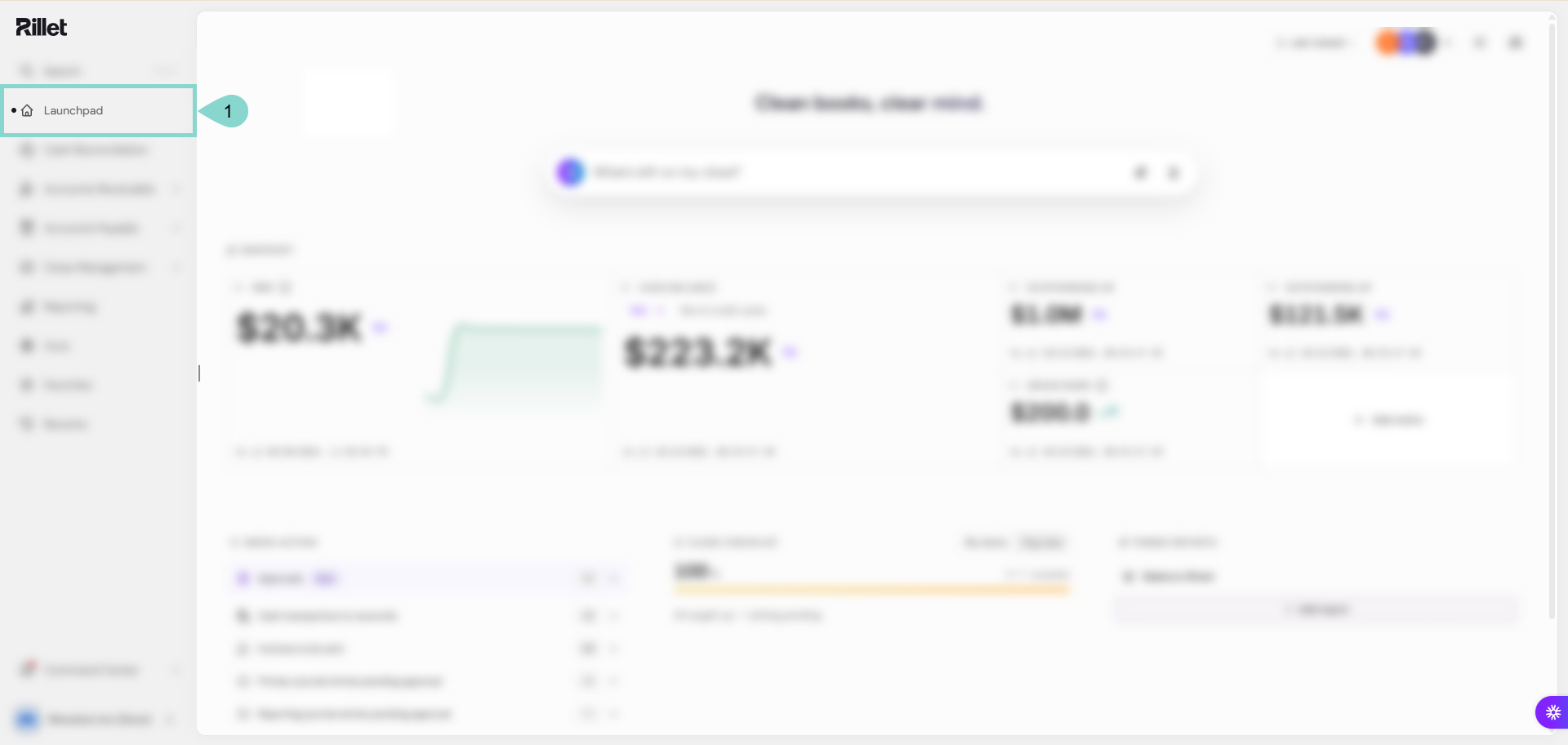
Open **Launchpad** in the main menu.
{% endstep %}
{% step %}
Click **Add metric** in **Snapshot** and select a metric to add it. The list shows only the metrics that are not on your Launchpad yet, such as:
* **Net Revenue Retention:** Measures the changes in recurring revenue caused by expansion, contraction, and churn from the existing customer base.
* **Runway:** Cash Balance divided by the average of the previous 90 days' monthly Net Burn, excluding financing transactions.
* **Net Burn:** Monthly average Net Burn over the last 90 days.
* **Overdue AR:** Outstanding balance of invoices that are past their due date.
* **Days Sales Outstanding:** Current AR divided by trailing 90-day net invoice sales, multiplied by 90 and capped at 365 days.
{% endstep %}
{% step %}
Review the work that needs attention in **Needs action**, and click an item to open the matching page. The items include:
* **Approvals**
* **Cash transactions to reconcile**
* **Invoices to be sent**
* **Primary journal entries pending approval**
* **Reporting journal entries pending approval**
* **Bills to be paid**
* **Contracts to be approved**
{% endstep %}
{% step %}
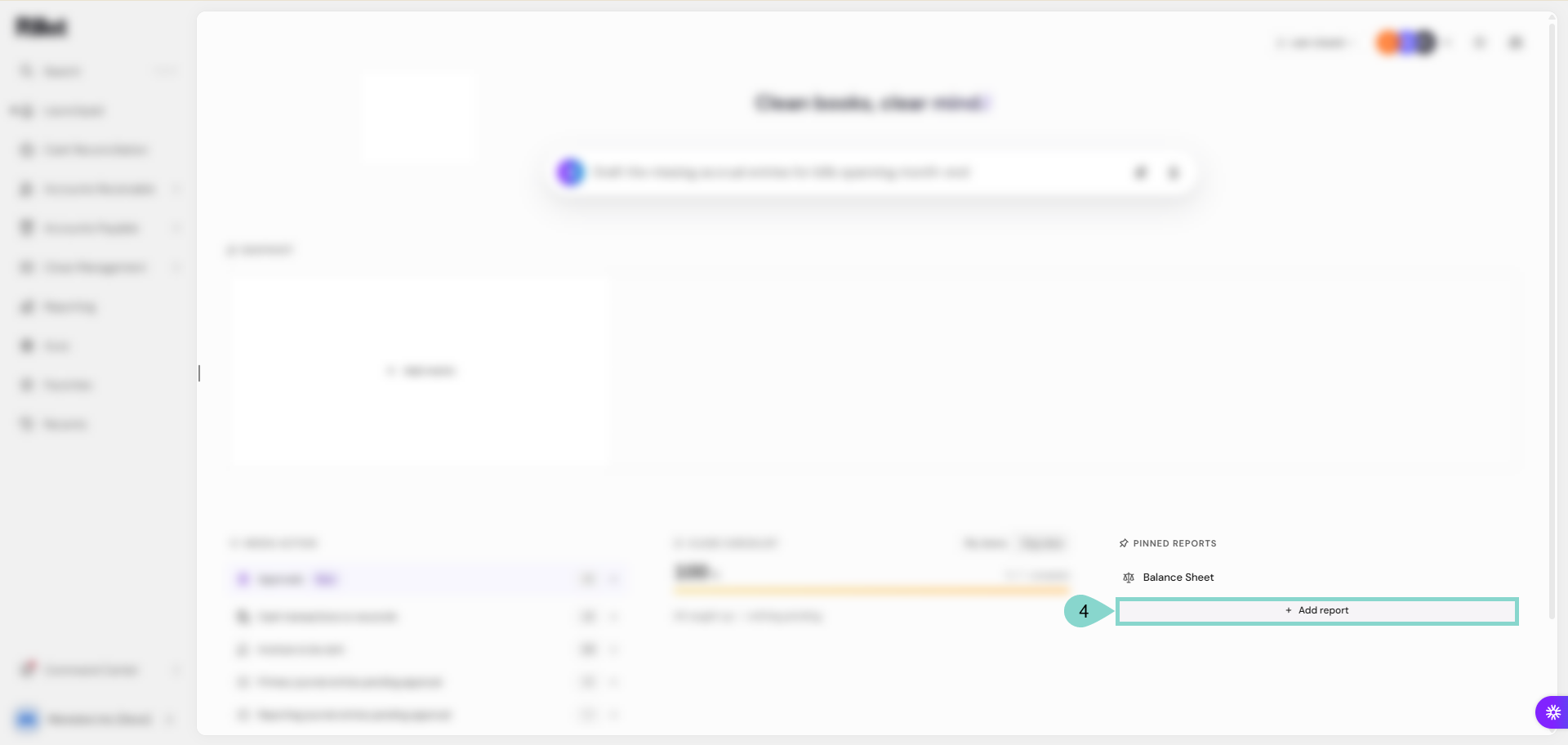
Click **Add report** in **Pinned reports** and select a report to pin it. The list groups reports under headings such as **Custom reports**, **Financial Statements**, **Analytics**, and **Close Reports**.
{% endstep %}
{% step %}
Select **My items** or **Org view** in **Close checklist** to choose whose tasks it shows.
{% endstep %}
{% step %}
Click an integration icon in the top-right corner to check its status, or click **+** to open **Integrations** in **Settings**.
{% endstep %}
{% step %}
**(Optional):** Open **Launchpad options** in the top-right corner to choose your **Default landing page** and to show or hide the **Aura**, **Snapshot**, **Needs action**, **Close checklist**, and **Pinned reports** widgets.
{% endstep %}
{% endstepper %}
{% hint style="info" %} **Note:**
The **Snapshot** section holds up to 6 metrics, and **Add metric** disappears once you reach 6. You can reposition metrics by dragging them, and the **Last closed** button in the top-right corner opens the **Checklist** in **Close Management**.
{% endhint %}
Your Launchpad now shows the metrics, work items, and reports you selected.
### See Also
To learn more about using the Launchpad in **Rillet**, review these articles:
* [**Getting to Know Your Rillet Launchpad**](/EjmEP4KZ9BVp9j2ho4Mh/getting-started/getting-to-know-your-rillet-launchpad.md)
* [**Aura AI Prompt Examples** ](/EjmEP4KZ9BVp9j2ho4Mh/aura-ai/aura-ai/aura-ai-prompt-examples.md)
---
# Agent Instructions
This documentation is published with GitBook. GitBook is the documentation platform designed so that both humans and AI agents can read, navigate, and reason over technical content effectively. Learn more at gitbook.com.
## Querying This Documentation
If you need additional information that is not directly available in this page, you can query the documentation by asking a question.
Perform an HTTP GET request on the following URL with the `ask` and `goal` query parameters:
```
GET https://docs.rillet.com/EjmEP4KZ9BVp9j2ho4Mh/getting-started/personalize-your-account/launchpad-overview.md?ask=&goal=
```
`ask` is the immediate question: it should be specific, self-contained, and written in natural language.
`goal` is what the user is ultimately trying to achieve, the reason they need the answer. Sharing it helps GitBook give you a better, more relevant answer. A goal is most helpful when it describes the outcome the user wants rather than restating the question. For example, with `ask=how do I create an API token`, a goal like `automate deployments from our CI pipeline` lets GitBook tailor the answer to that use case.
The response will contain a direct answer to the question and relevant excerpts and sources from the documentation.
Use this mechanism when the answer is not explicitly present in the current page, you need clarification or additional context, or you want to retrieve related documentation sections.